Leo
  • Posts
  • Projects
  • About
  • Posts
  • Projects
  • About
Bilibili抖音小红书

© 2026 XT. All rights reserved.

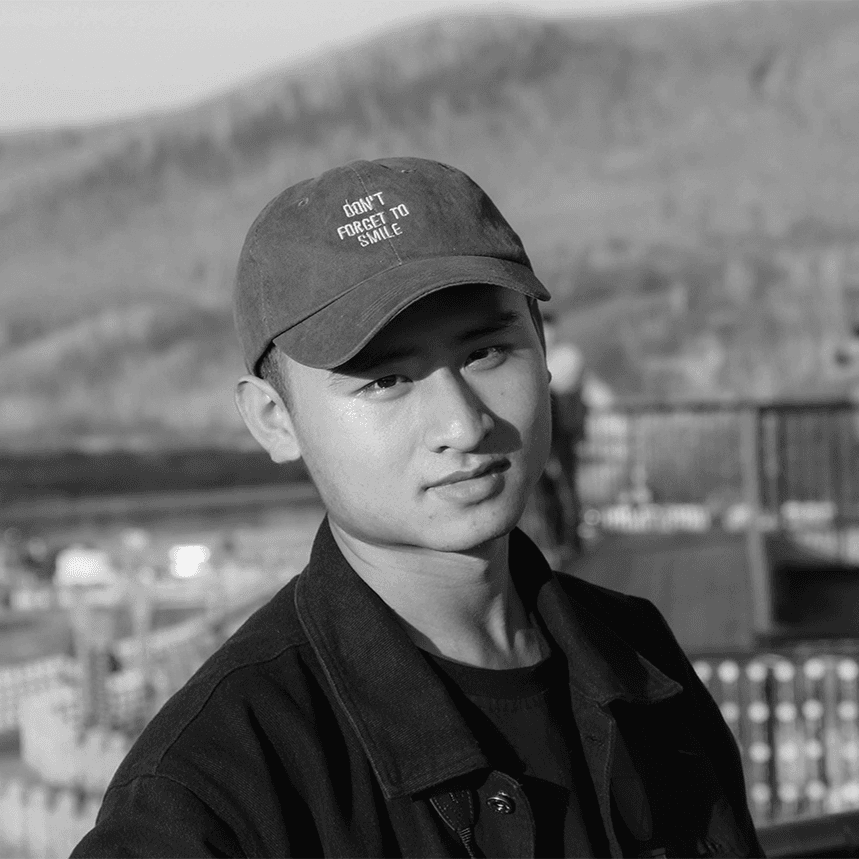
Hi, I'm Leo Wang

I'm a brand promo video designer at Liblib AI | Evoken, , leading brand film creative for Lovart, LibTV, and Xingliu. Previously at Gaotu, Be Friends, and Juding Interactive. I've delivered 30+ AI brand videos with 50M+ total views on X (Twitter) and Instagram.

Leo Wang

Recent posts

  • Inside AI Prompt Studio: How a Chrome Extension Bridges 12+ Vision LLMs

    AI Prompt Studio is a Chrome extension that reverse-engineers AI image prompts from any web image using your own vision LLM API. This post dives into its message-driven MV3 architecture, Shadow DOM isolation, unified streaming layer, and component-based strategy system.

    June 15, 2026

  • Integrating the read-video Tool into the Project

    From a standalone Python frame extraction script to embedding it into the next-mdx-portfolio repository with an AI collaboration skill, ultimately forming a workflow where "drop a video path, AI automatically writes .mdx." This article documents the trade-offs along the way.

    May 7, 2026

  • How to Write Seedance 2.0 Prompts on Lovart - The Cinematic Motion Formula

    This article introduces Lovart’s Seedance 2.0 AI video tool, explains its "core + attribute" prompt structure, and shares five practical examples.

    April 7, 2026

  • AE Inner and Outer Null Object Keyframe Sync Technique

    Use expressions to automatically sync inner composition null object animation with outer composition null objects, ideal for master control animation, 3D rotation binding, and camera control.

    March 24, 2026

All posts

Recent projects

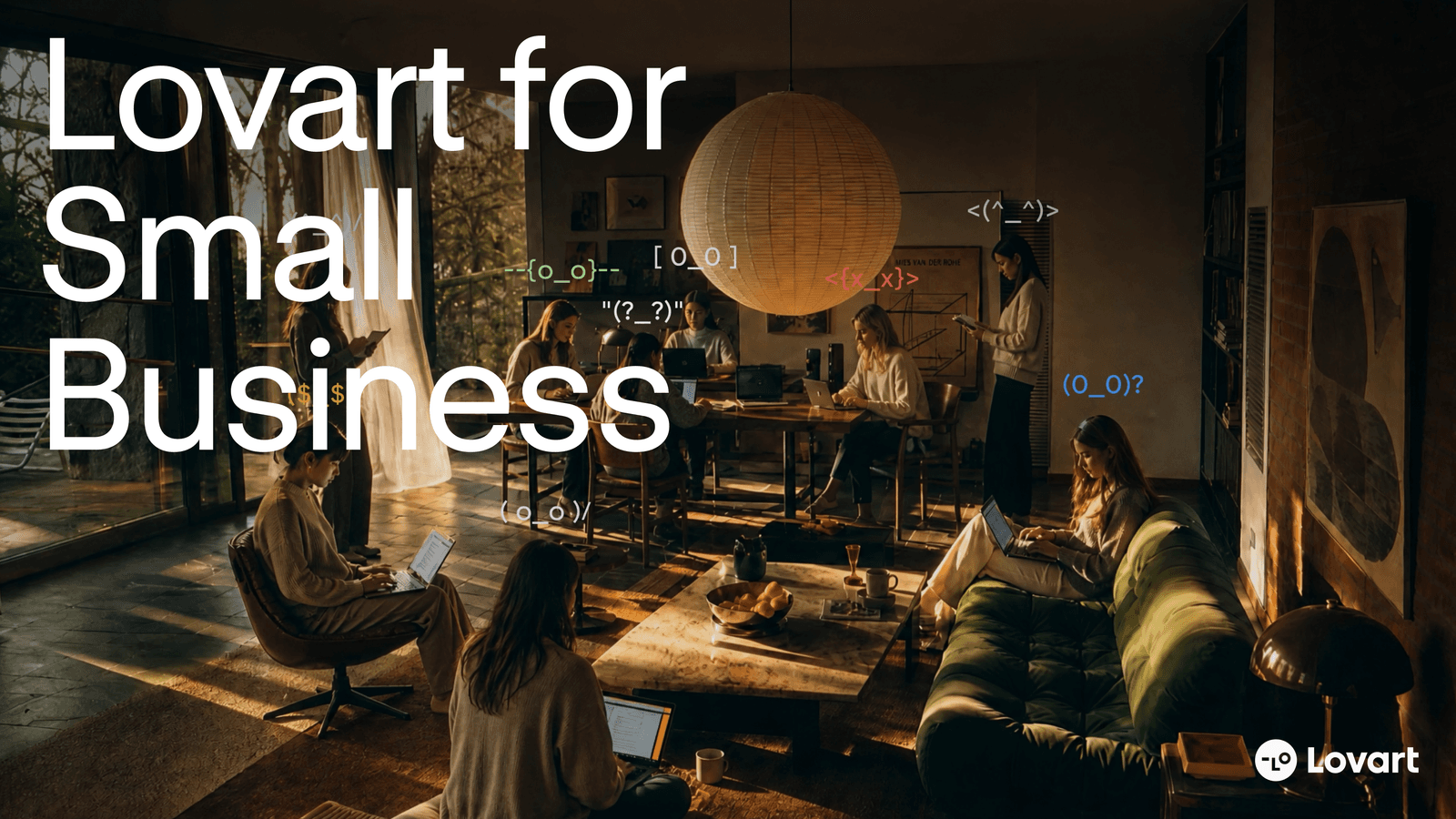
  • Lovart: The AI Creative Partner for SMBs

    Lovart: The AI Creative Partner for SMBs

    Brand promo video · AE/PR · Lovart SMB feature launch · storyboard + AIGC (Lovart/Kling) · X/Instagram · 1.11M+ views
  • Brand Kit

    Brand Kit

    Brand promo video · AE/PR · Brand Kit feature launch · storyboard + Lovart AIGC · X/Instagram overseas release

  • Move Object

    Move Object

    A deep dive into Lovart's Move Object feature — select any object in an image and move it to a new position while AI automatically fills the original area. Plus a behind-the-scenes look at how this promotional video was made: compressing a "select → reposition → generate" workflow into a visual narrative.

  • Turn Anything Vector on Lovart

    Turn Anything Vector on Lovart

    Vector is an image processing capability in the Lovart editor that converts PNG, JPG, and other bitmaps into SVG in one click—automatically tracing contours and shapes into vector paths so images stay crisp when scaled or exported. Ideal for turning AI-generated images or assets into scalable design resources.

All projects